How do I focus in to 250? View has very large pixels.
Hi there,
Welcome to the community.
The USB2-MICRO-250X does not have a traditional zoom function. Instead, magnification is controlled by physically moving the microscope closer to the object and adjusting the focus using the microscope’s focus wheel.
To adjust the magnification and focus:
-
Rotate the focus wheel fully in one direction until it stops.
-
Slowly rotate the focus wheel in the opposite direction while watching the preview window in your camera application. Continue rotating until the object comes into focus.
When the clear shield of the microscope is touching the object, there are two possible magnification levels.
-
The first level is approximately 60x.
-
If you continue rotating the focus wheel, the image will go out of focus briefly and then become clear again at a much higher magnification.
With the clear lens touching the object, here are the two magnifications. Results will vary based on how close or how far the lens is from the physical object.
First magnification (Clear shield touching the object)
Second magnification (Clear shield touching the object)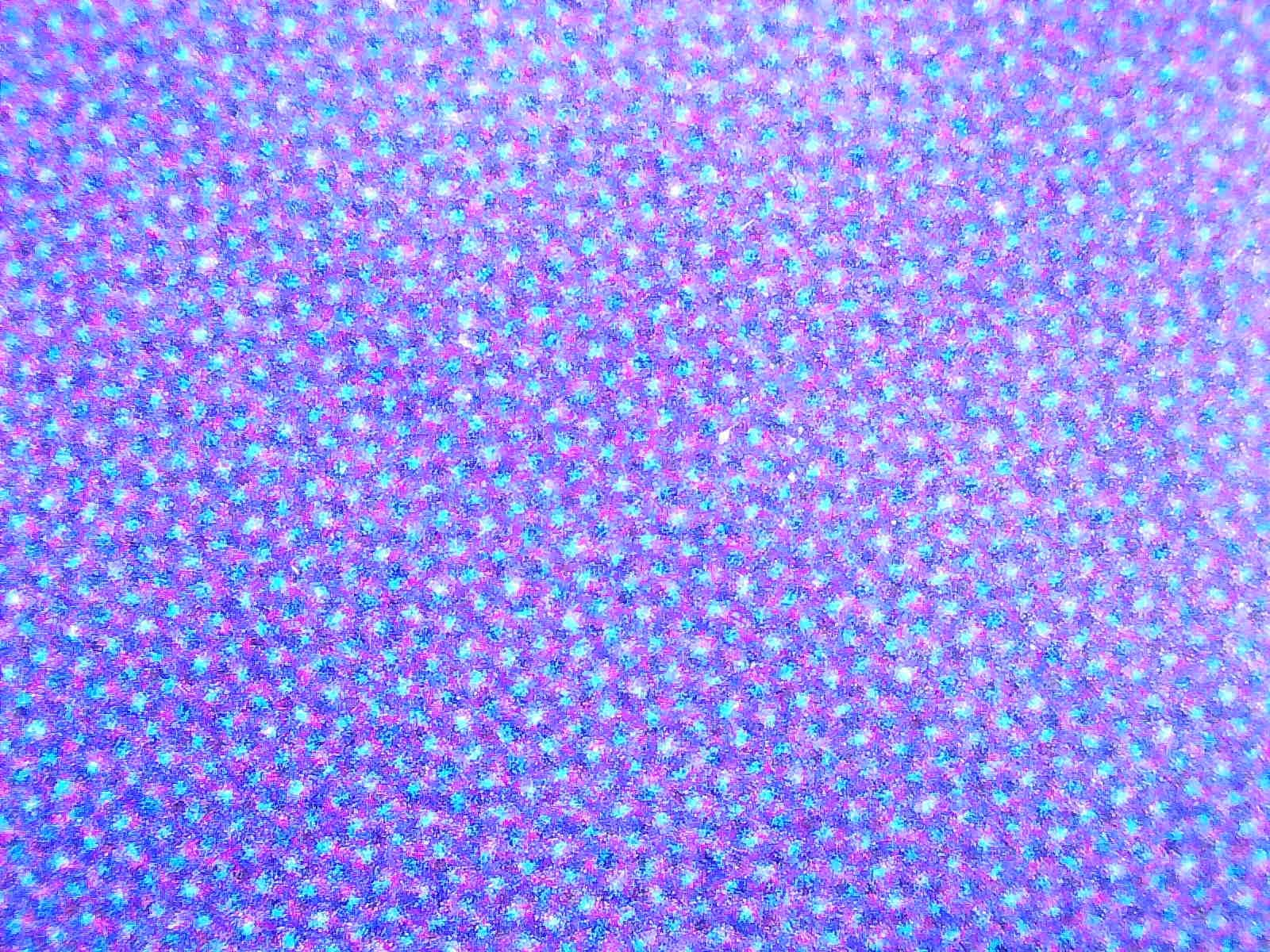

I hope this helps. Please don’t hesitate to reach out if you have any questions.
Thank you,
Adi
Plugable Technologies
This topic was automatically closed 20 days after the last reply. New replies are no longer allowed.