the process required for one program involves copy and paste
rather than automatic mass transfer of data.
How do I manage that with the transfer cord?
I cannot find controls for that kind of transfer. Where do I look in the plugable window?
the process required for one program involves copy and paste
rather than automatic mass transfer of data.
How do I manage that with the transfer cord?
I cannot find controls for that kind of transfer. Where do I look in the plugable window?
Hello,
Welcome to the Plugable forums and I can assist with your question about using our Plugable USB Transfer Cables with the Bravura Easy Computer Sync software.
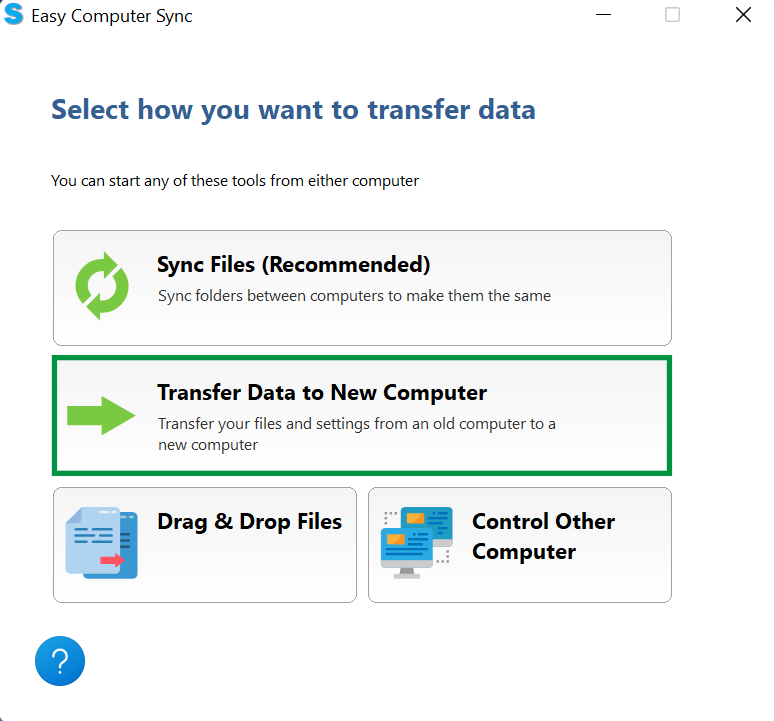
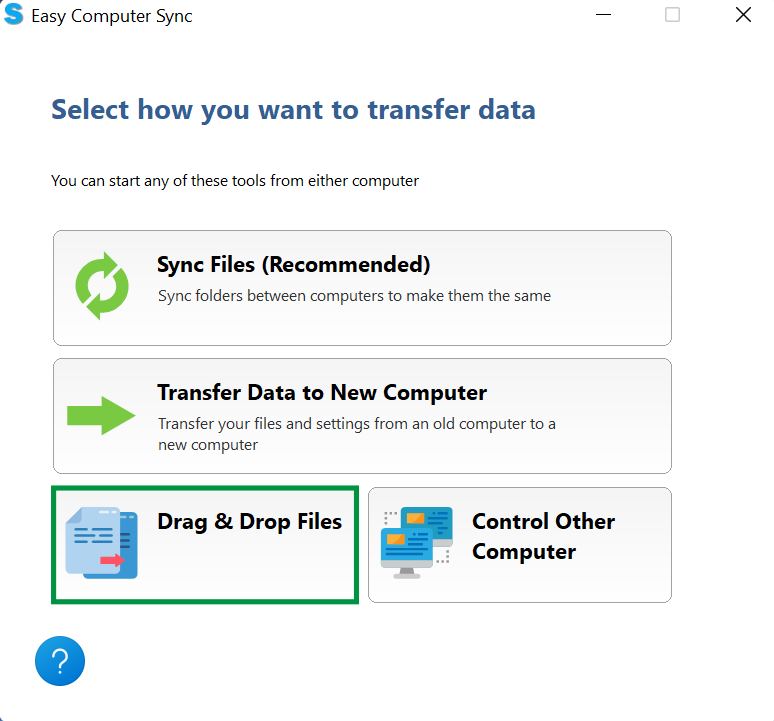
I can share a quick overview on the different transfer methods available to you:
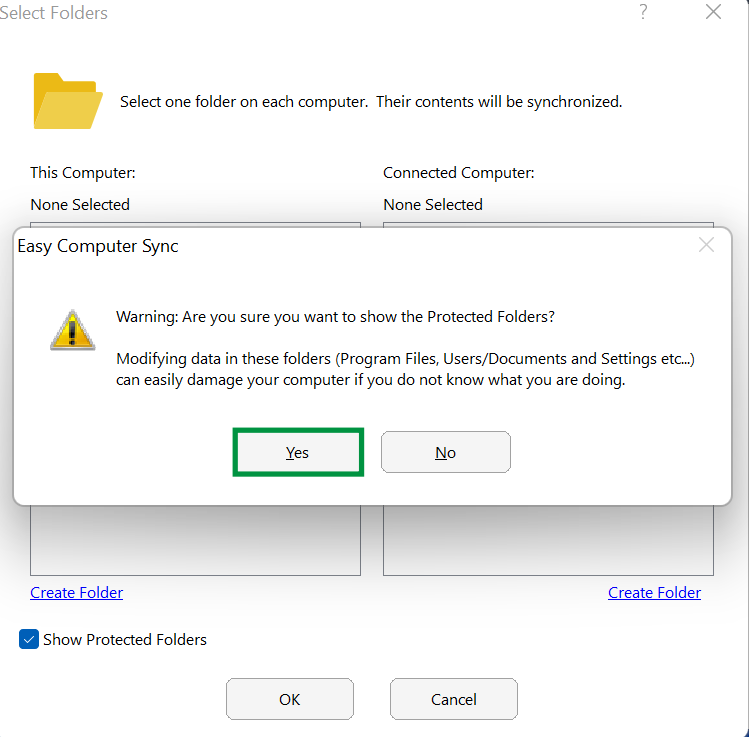
While selecting your folders in the first two methods, you may notice a “Show Protected Folders” (or protected computers) checkbox. By default, the Bravura software hides essential Windows system directories (like your Program Files, or the User Folder) as a safety precaution.
This prevents critical operating system files from being accidentally modified or moved, which could cause errors on either PC.
Please let me know if you have any questions about which method is best for your specific situation, or if you need help getting the software set up!
Best regards,
Alberto
Product Owner
Plugable Support